Browse the guides
Welcome to Flash Reference
How Flash Reference works for students, instructors and admins, and where to start.
Flash Reference puts flashcard decks inside your courses. Instructors build decks, students open them from their course and study them, and instructors see what the class is still learning.
How it fits together
- An admin connects Flash Reference to your school's LMS (Canvas, Moodle, D2L Brightspace, Blackboard or Schoology) or to a WordPress website.
- Instructors build decks of cards, and add them to their courses like any other activity.
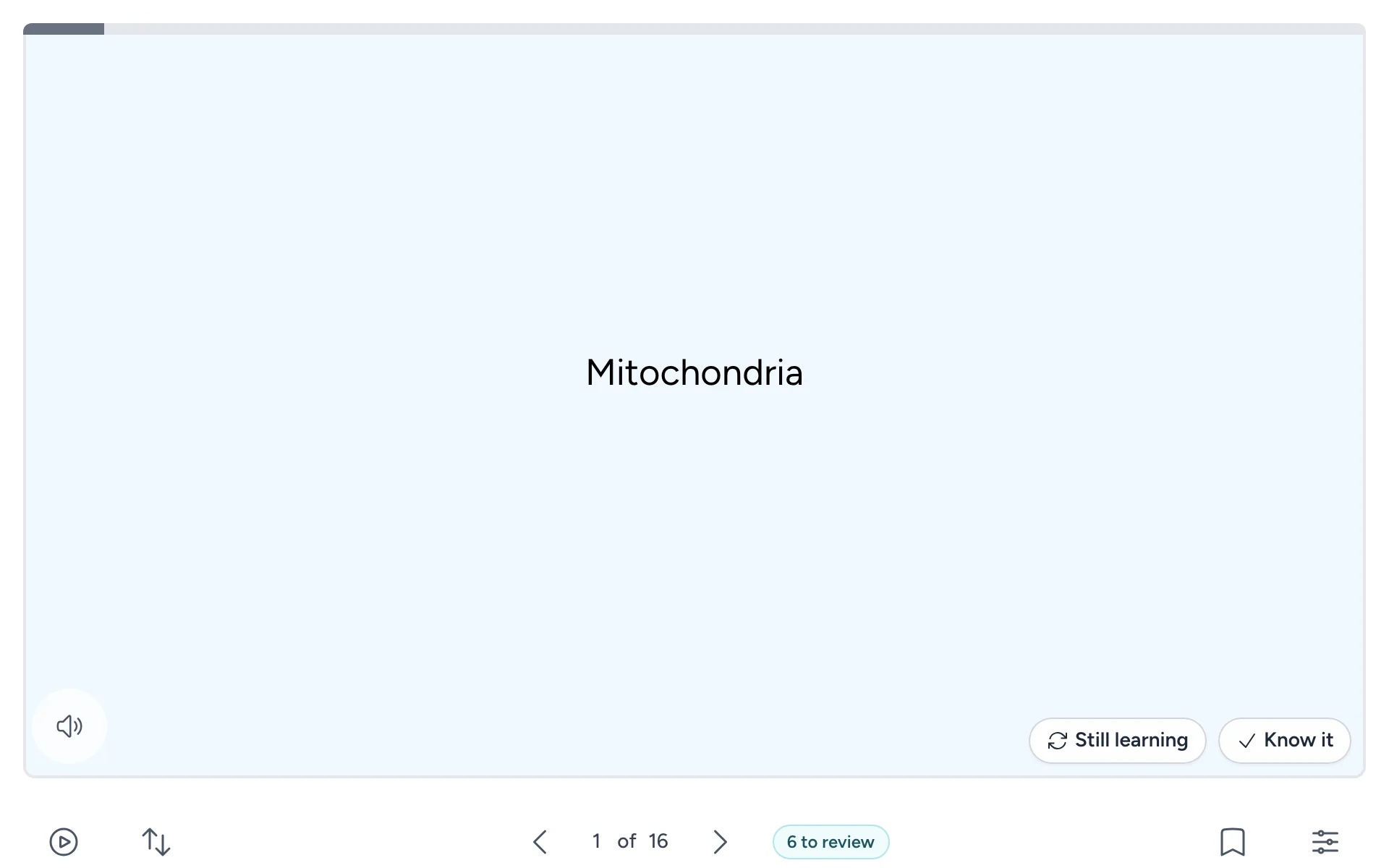
- Students open a deck from their course and study it: flipping cards, marking what they know, answering multiple choice, and reviewing what's due. They don't need an account.
- Instructors see results: who's studying, how they're doing, and which cards the class finds hardest.
Find your guide
| You are | Start with |
|---|---|
| A student | Opening a deck |
| An instructor | Signing in and your dashboard |
| Trying Flash Reference for the first time | Quick start |
| Setting up Flash Reference for your school or department | Starting your free trial |
| Connecting your school's LMS or website | Connecting your LMS |
More to get you started
- Quick start goes from signing up to a student studying your first deck.
- What you need covers devices, browsers, and which LMSs and websites work.
- Common questions answers what people ask before they start.
- Words we use explains terms like deck, mark and active student.
- Getting help explains how to reach us, and what happens after you do.