Browse the guides
Your progress and privacy
What's saved, picking up where you left off, and what your instructor sees.
What's saved
When you open a deck from your course, Flash Reference saves your progress to you:
- your marks (Still learning or Know it, and multiple-choice answers),
- your review schedule,
- where you stopped, so you can pick up there next time,
- your bookmarks.
How you open the deck decides what's saved:
| How you opened the deck | Bookmarks | Marks and review schedule |
|---|---|---|
| From your course (LMS) | Saved | Saved |
| From a website you're logged in to | Saved | Saved if the website is set up to save progress |
| From a website as a guest | Only in this browser | Not saved |
In a deck where your progress isn't saved, Review says Progress isn't saved here.
Pick up where you left off
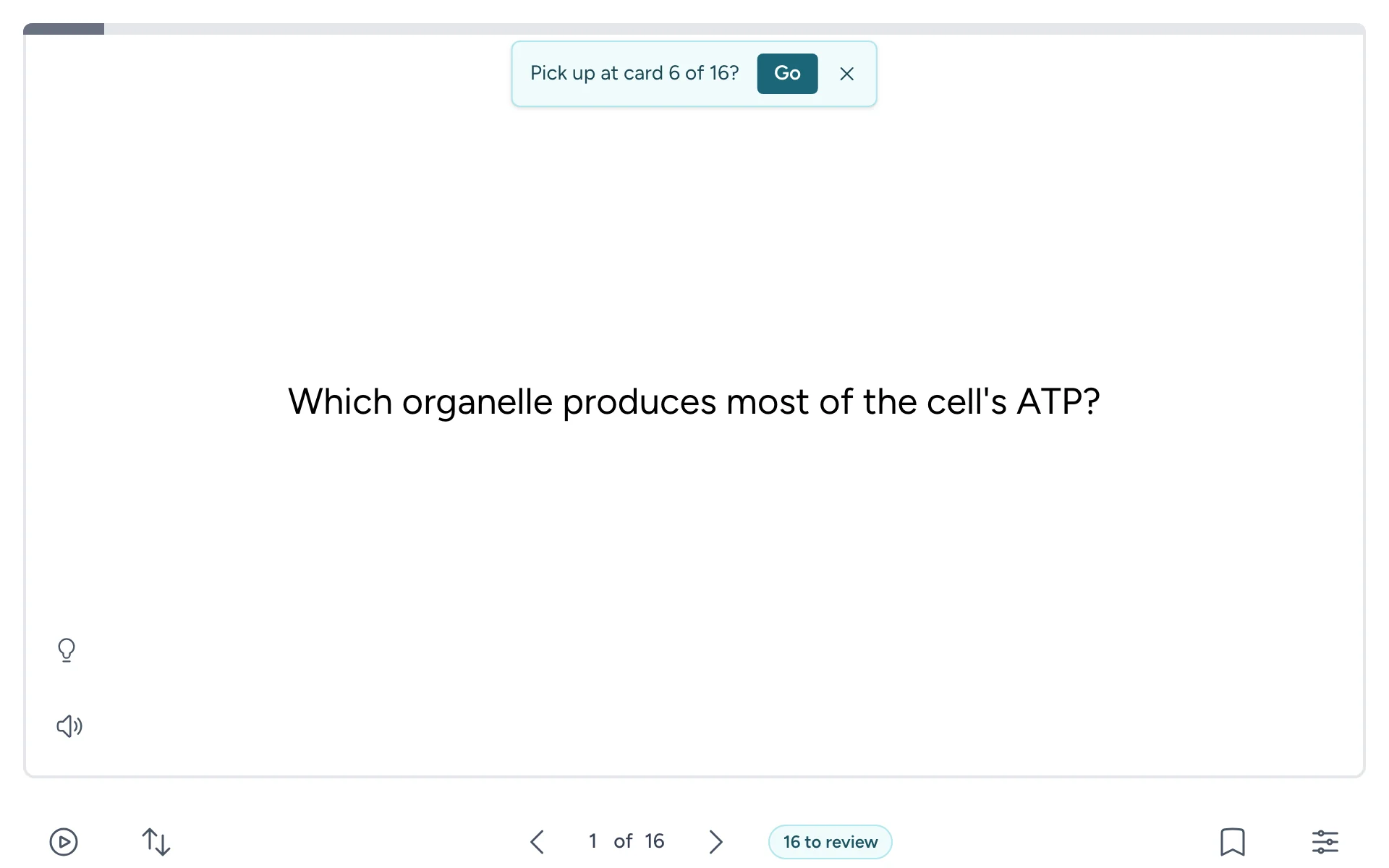
If you stopped partway through a deck in the last two weeks, the next time you open it Flash Reference asks Pick up at card N of M? Select Go to jump there, or carry on from the first card.
Keep saving
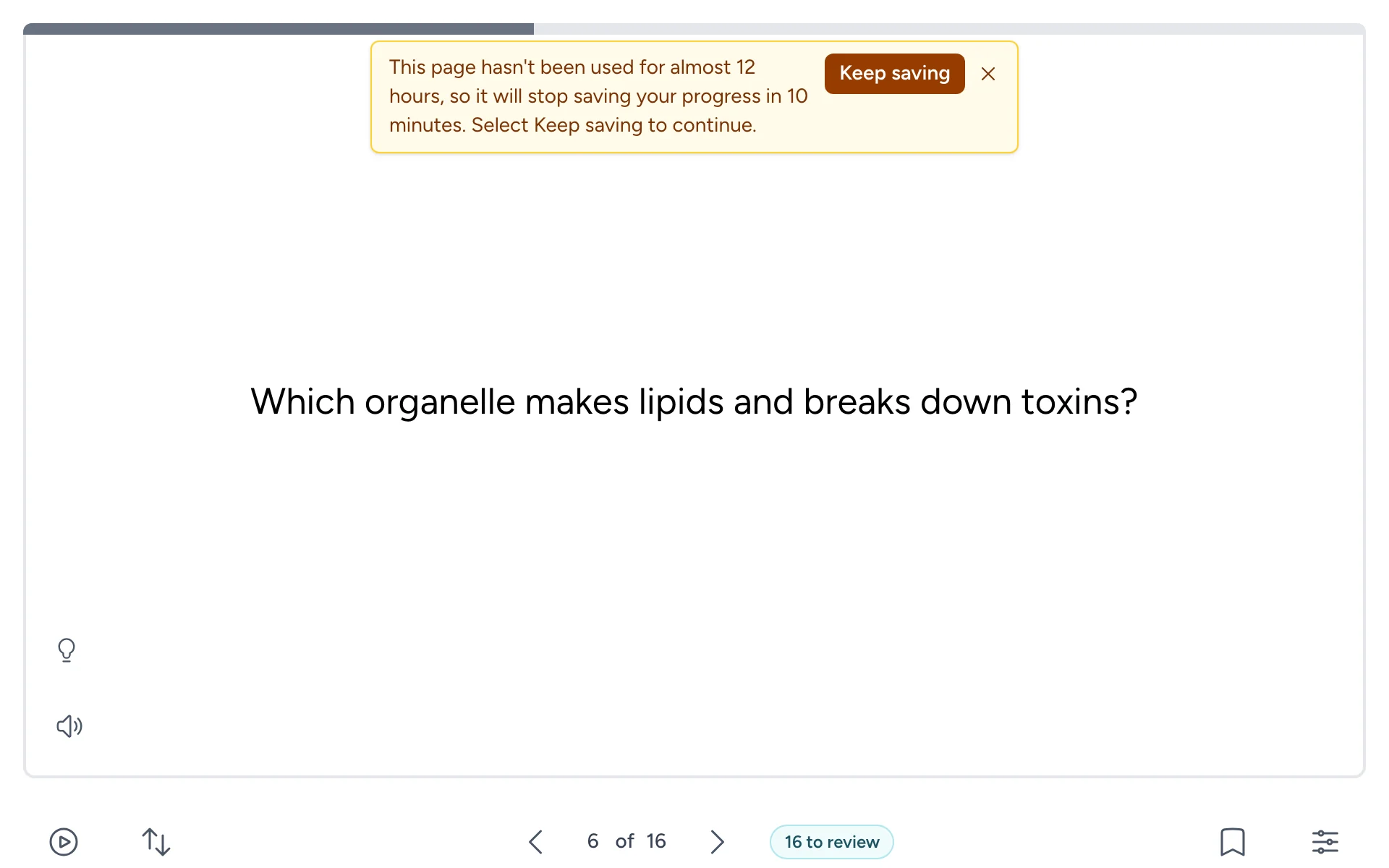
A deck you leave open keeps saving for 12 hours after you last used it, and for 7 days at most. Ten minutes before it would stop, a message says so:
- If you've been away, select Keep saving to carry on.
- If the deck has been open for 7 days, open it again from your course.
If the page has stopped saving, an amber dot shows on Settings, and Settings says Progress isn't being saved. Reopen the deck from your course; marks you made in the meantime are sent then.
If your connection drops
Marks wait in your browser and are sent when your connection comes back. If you close the page first, they're sent the next time you open the deck in the same browser, within 7 days. Bookmarks need a connection: if one can't be saved, it's undone and a message tells you.
What your instructor sees
For each student in their course, your instructor sees:
- your name and email address, as your course sends them,
- which course you opened the deck from, when you last opened it and how many times,
- how many marks you've made, and the share that were Know it,
- how many cards you know, are still learning, or haven't started, and how many are due for review.
They also see which cards the whole class finds hardest. They don't see your bookmarks or how long you spent on each card.
How long it's kept
Each mark is kept for 12 months. Your review schedule is kept as long as the deck and your account exist. We don't use student data for marketing or advertising. Our privacy policy has the details.