
Browse the guides
Active students and your plan
How active students are counted, and what happens near your plan's limit.
Each plan includes a number of active students. This page explains how they're counted and what happens near the limit.
Who counts as an active student
An active student is a different student who opened one of your organization's decks from your LMS, or from your website while logged in, in the last 90 days. Each student counts once, however many decks they study.
Not counted:
- instructors and admins, including when they open their own decks from a course,
- previews from the card editor,
- guests on a website who aren't logged in.
Where to see it
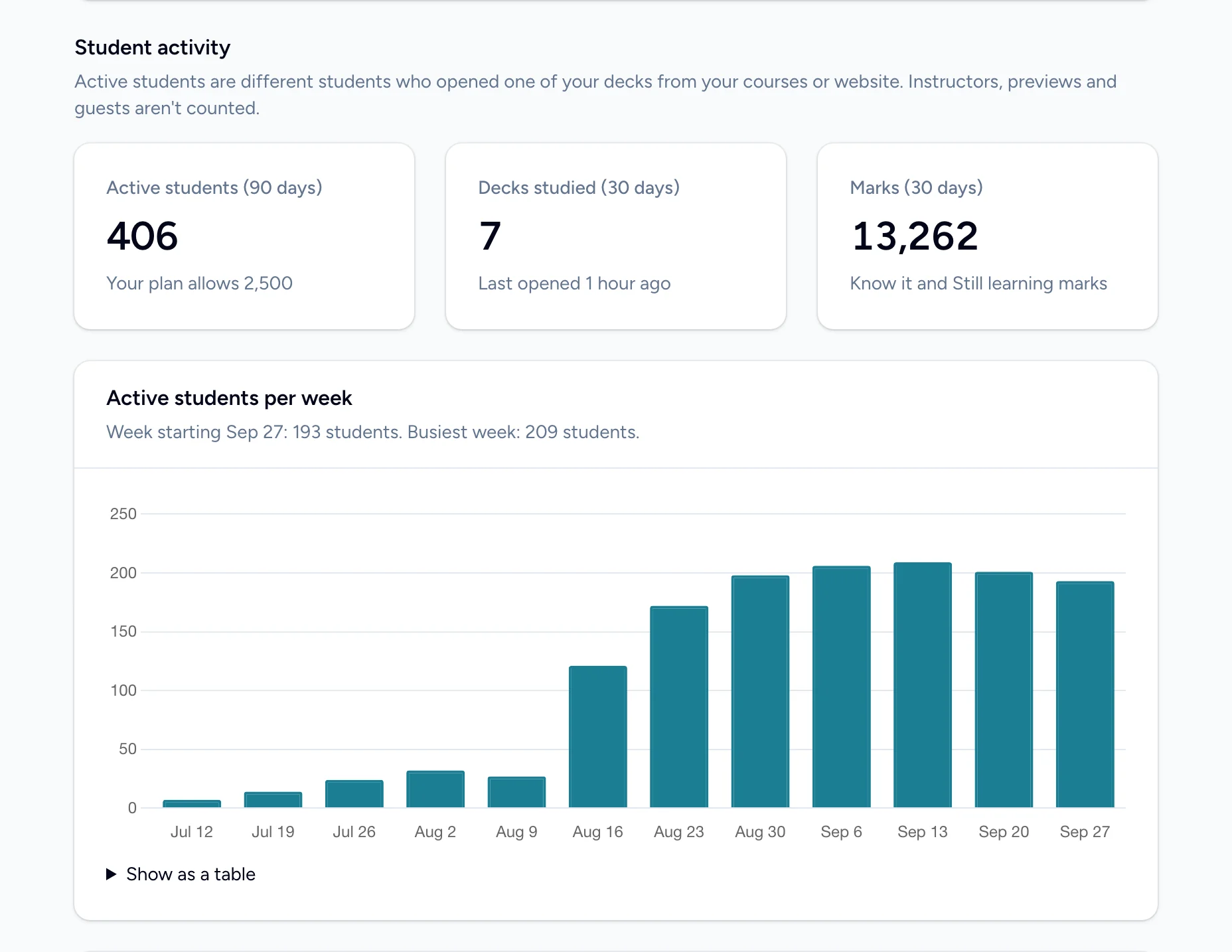
- The admin home's Student activity shows Active students (90 days) and how it compares with your plan's limit. See The admin home.
- The billing page shows Active students (last 90 days): X of Y.
Near or over the limit
Students are never blocked. If your organization goes over its limit, everyone keeps studying.
- At 90% of the limit, a banner on the admin pages says you're Close to your plan's student limit, and we email whoever manages billing.
- Over the limit, the banner says Over your plan's student limit, and we email again, then once a month while it lasts.
To make room, choose a plan with more students on the billing page. The count looks back 90 days, so it also falls as students who've finished a course stop opening decks.