Browse the guides
Still learning or Know it
Mark each card after you flip it, and study the ones you missed.
After you flip a card, two buttons ask how it went: Still learning and Know it. Your marks decide which cards come back for review, and help your instructor see which cards the class finds hard.
Your instructor chooses whether a deck uses marks. If you don't see the buttons, just flip through the cards.
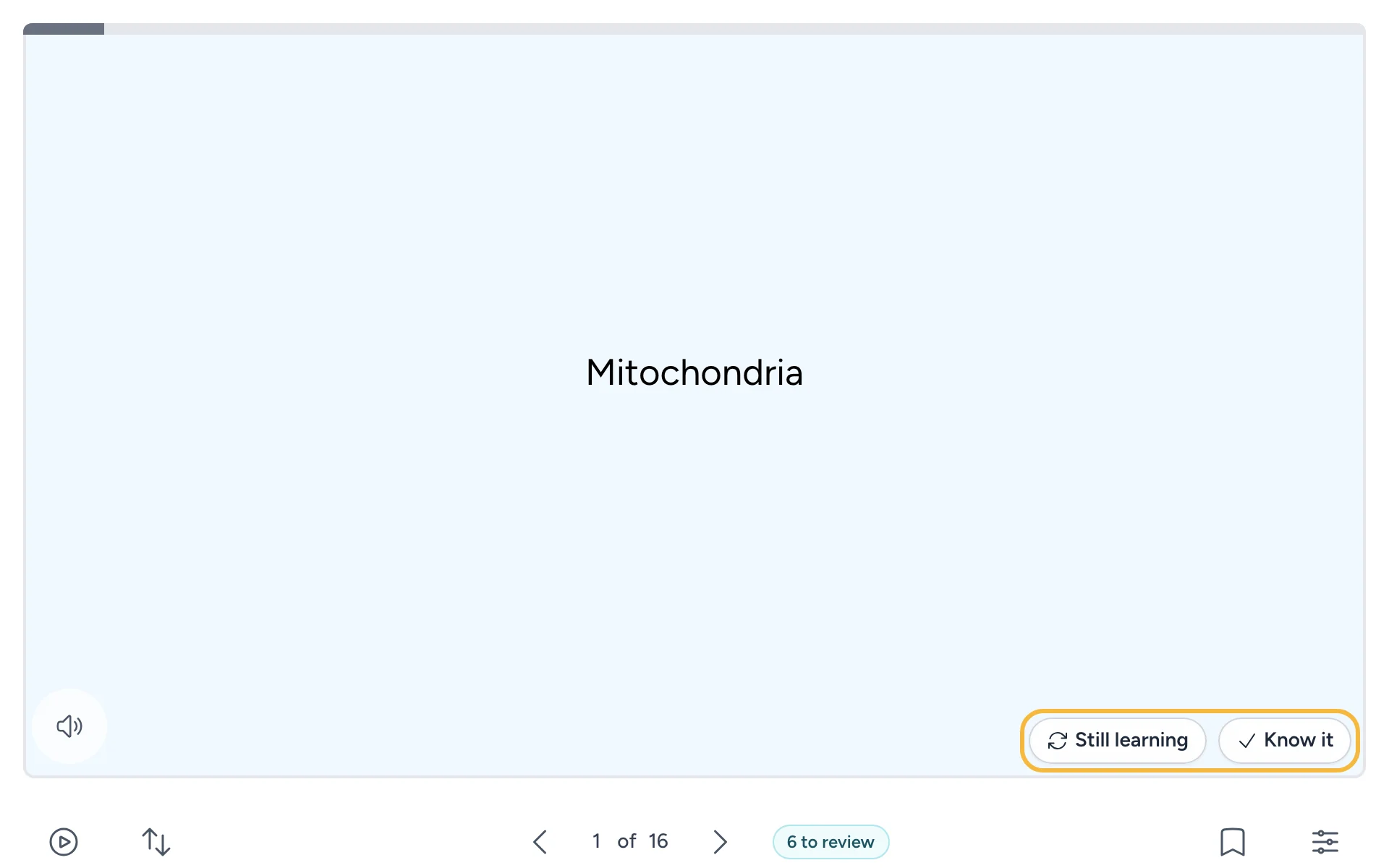
Mark a card
- Flip the card and check your answer.
- Select Know it if you got it right, or Still learning if you didn't or weren't sure. You can also press 1 for Still learning or 2 for Know it.
- The next card opens.
Be honest with yourself. A card you mark Still learning comes back sooner, which is what you want.
To change a mark, go back to the card with Previous and select the other button. The new mark replaces the old one.
The end of a round
When you mark the last card, Round complete shows how many cards you know, how many you're still learning, and how many you didn't mark.
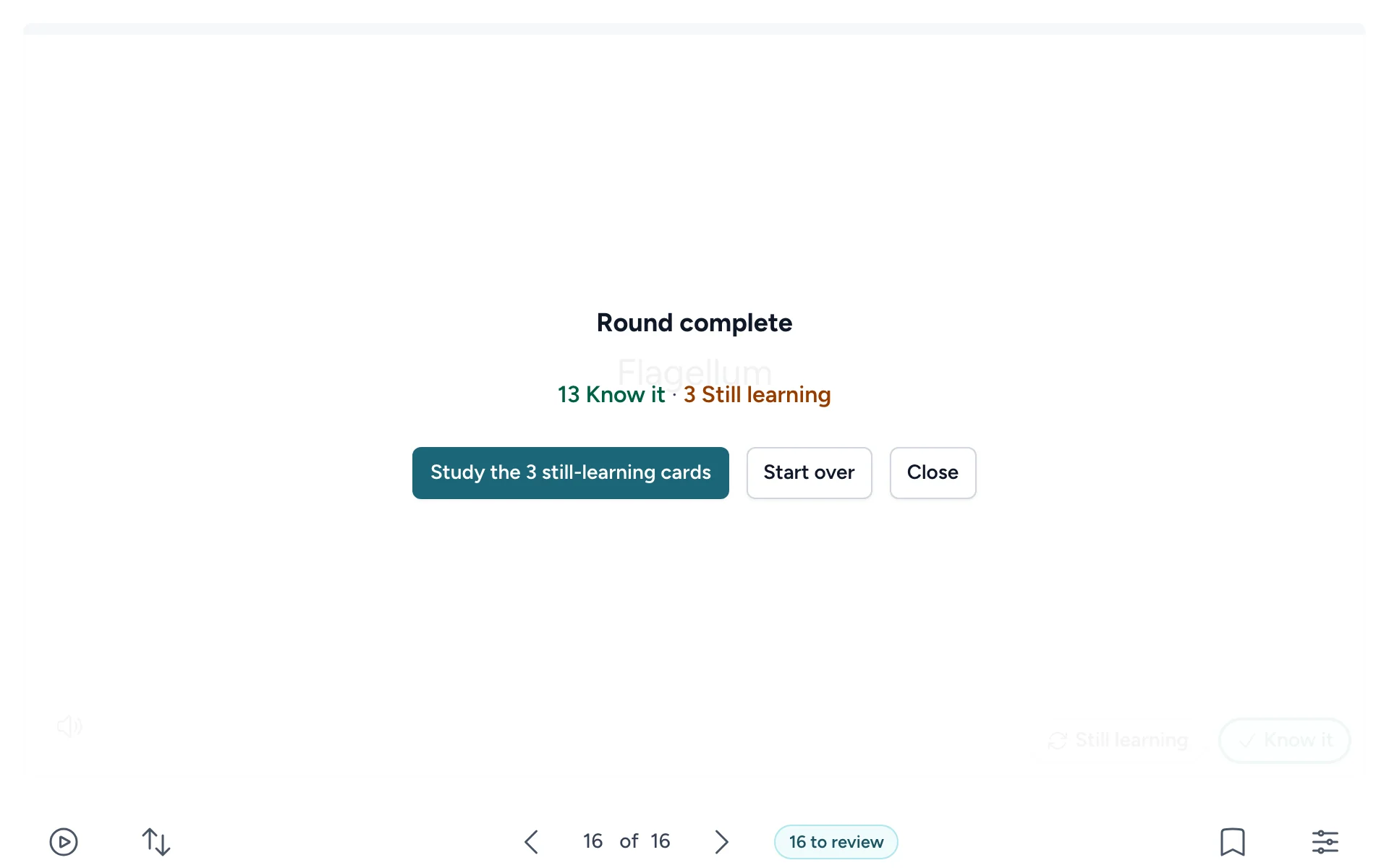
From there:
- Study the still-learning cards goes through just the cards you marked Still learning.
- Start over begins the whole deck again.
- Close goes back to the deck.
Where marks go
When you open the deck from your course, every mark is saved a moment after you make it. Marks feed your review schedule (see Reviewing cards that are due), and your instructor sees totals for each student and each card. See Your progress and privacy for what's saved and who sees it.