
Browse the guides
Starting your free trial
Sign up, what to do first, and what happens when the trial ends.
Every new organization gets a 30-day free trial. You don't need a card to start.
Sign up
- Go to flash-reference.com/register, or select Start free trial on our website.
- Enter your Organization (your school, college or department), your Name, Email and a Password.
- Select Register.
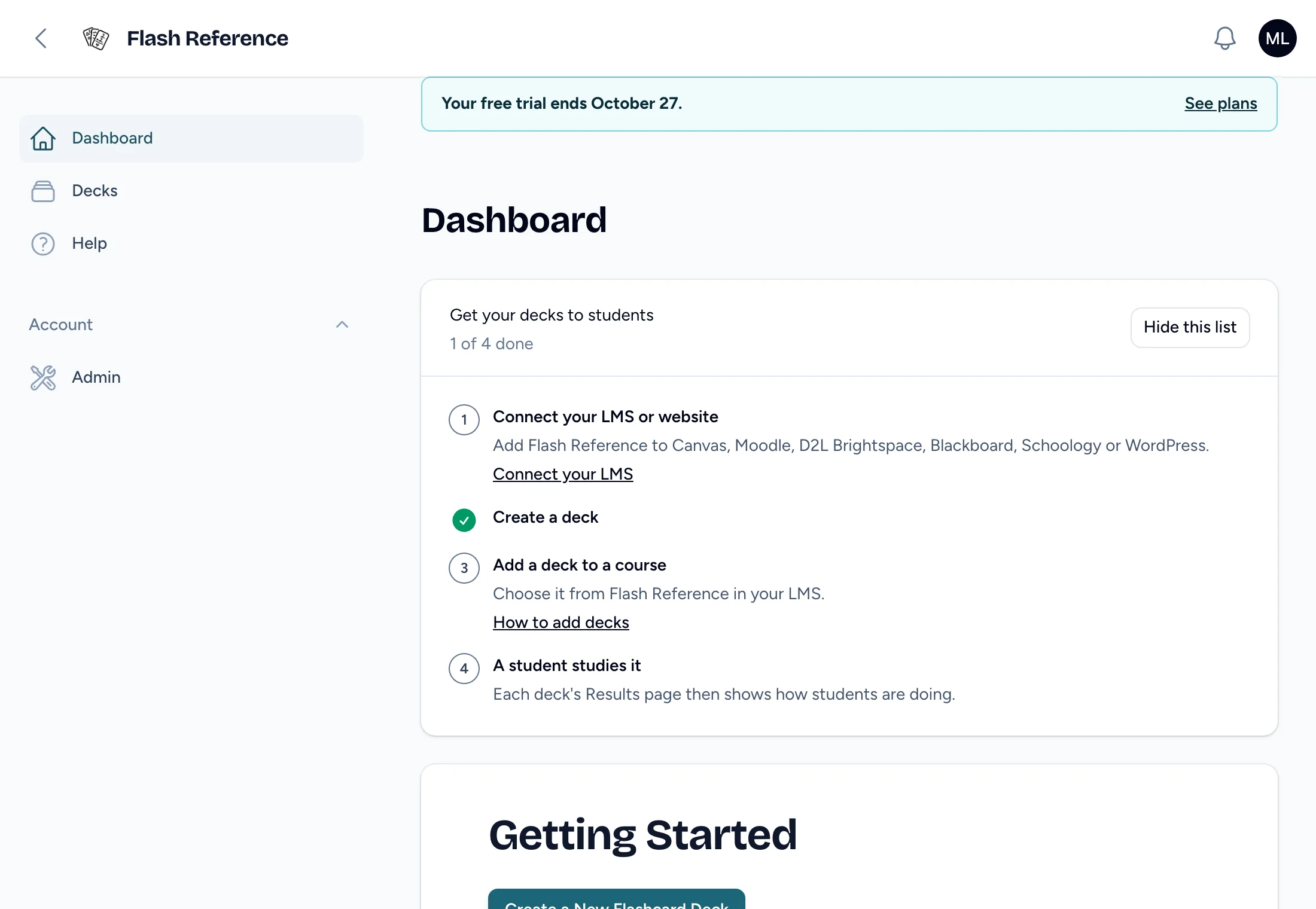
You become your organization's admin, and you manage its billing. You can build decks too: Flash Reference opens on the instructor dashboard so you can make your first one. A welcome email follows a few minutes later with the next steps.
What to do first
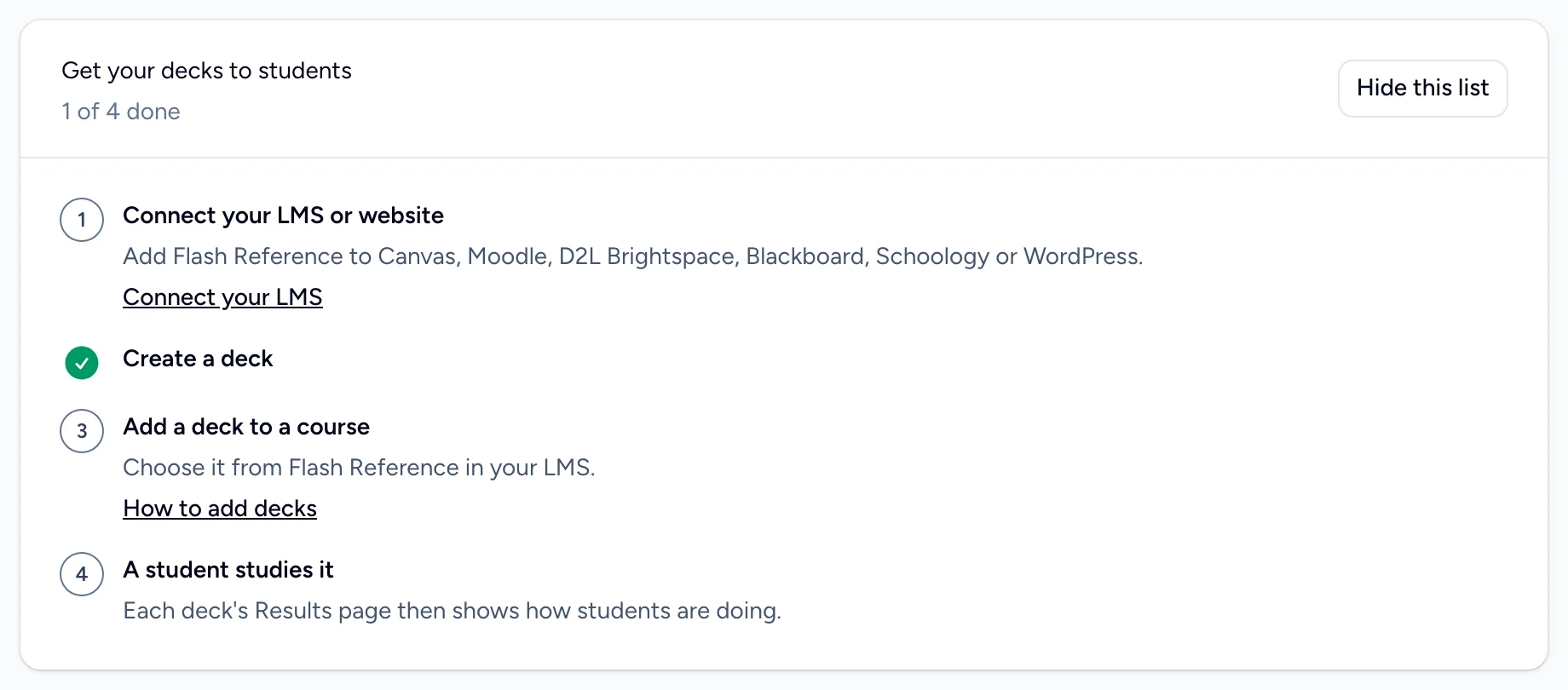
The Get your decks to students checklist on your home page walks you through it:
- Connect your LMS or website. See Connecting your LMS or Setting up WordPress.
- Create a deck. See Creating a deck.
- Add a deck to a course. See Adding a deck to your course.
- A student studies it. The deck's results then show how students are doing.
Then invite your instructors.
What the trial includes
Everything instructors and students use: decks, the card editor, study options, results, and connections to your LMS and WordPress.
A trial doesn't include the features that only some plans have:
- More than one admin. The person who signed up is the trial's admin.
- Collaborators on decks.
- Sharing decks with everyone in your organization.
During the trial you can invite instructors (up to 5 invitations a day). Choose a plan that includes these features to use them.
When the trial ends
A banner at the top of every page says when your trial ends. After it ends, students can still open your decks from your LMS for 5 more days. After that, they can't until you choose a plan. Your decks and results are kept.

We email whoever manages billing a week before the trial ends, the day before, and when students can no longer open your decks. To keep going, choose a plan.